Breakout Rooms.
Recording a Zoom meeting
by the host
and by participants.
In this article we will introduce you to an update in Zoom Breakout Rooms. Now the event can be recorded not only by the host of the Zoom meeting (conference), but by the participants as well.
Breakout rooms - is one of the most sought-after features of the Zoom service. It is available in all Zoom plans, starting with the basic one. We described in detail how to enable the Breakout Rooms feature and how to use it in the article "Zoom meetings. Breakout Rooms".
It is known that only the host can start recording a Zoom meeting, and only in the main meeting room. Previously, recording directly in breakout rooms was not available. Now the host of a Zoom meeting can allow participants who are in breakout rooms to record their own room.
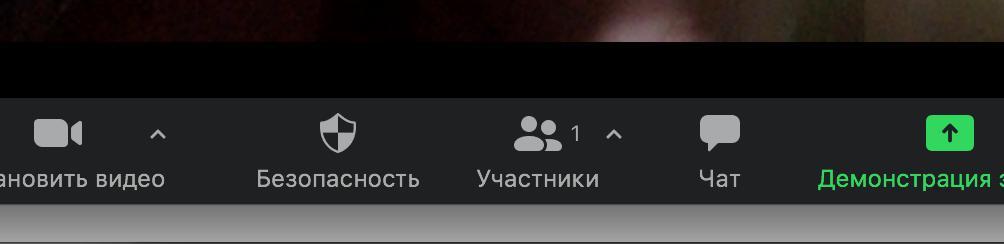
To do this, during the Zoom meeting the host clicks the "participants" icon ( this icon can be used to manage participants), which is located at the bottom of the screen, and allows the participant to start recording.
After that, the "record" icon appears on the participant’s screen ( at the top left of the screen). A participant who is in a separate room can record that room. The recording is made locally.
Zoom.us is constantly optimizing and and expanding its platform. Updates come out at least once a month. Would you like to learn more about how to use Zoom for communication? The Rightconf specialists are ready to tell you more about what Zoom can do!
Try Zoom today
We'll give you a remote demo Monday to Friday, 10:00–16:00 Moscow time, answer all your questions and provide trial access so you can explore the system yourself.
Please note: we work with legal entities only.
