
Zoom meetings and
webinars. Simultaneous
interpretation.
Zoom has a new feature – simultaneous interpretation. Users are now able to bring interpreters into their Zoom meetings and webinars.
Interpreters are assigned by the host (the organizer of the Zoom meeting or webinar), while Zoom provides an additional audio channel. The “Simultaneous interpretation” option is available on plans no lower than"Business" . Interpreters can be assigned when scheduling a conference.
Instructions.
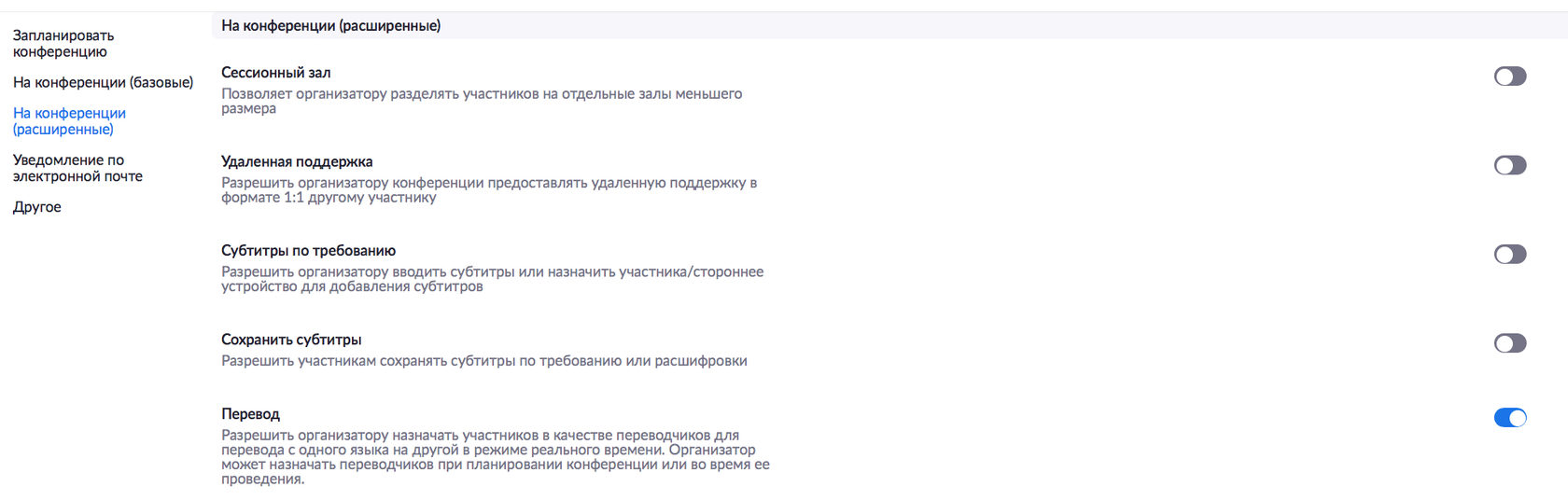
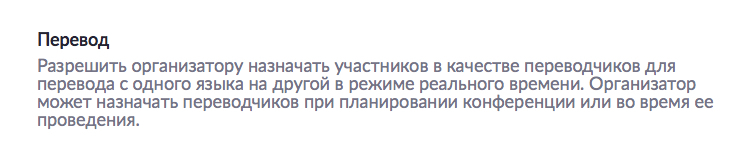
You can enable the “Simultaneous interpretation” option in the Zoom web portal under “Settings”. Settings – In Meeting (Advanced) – Interpretation.
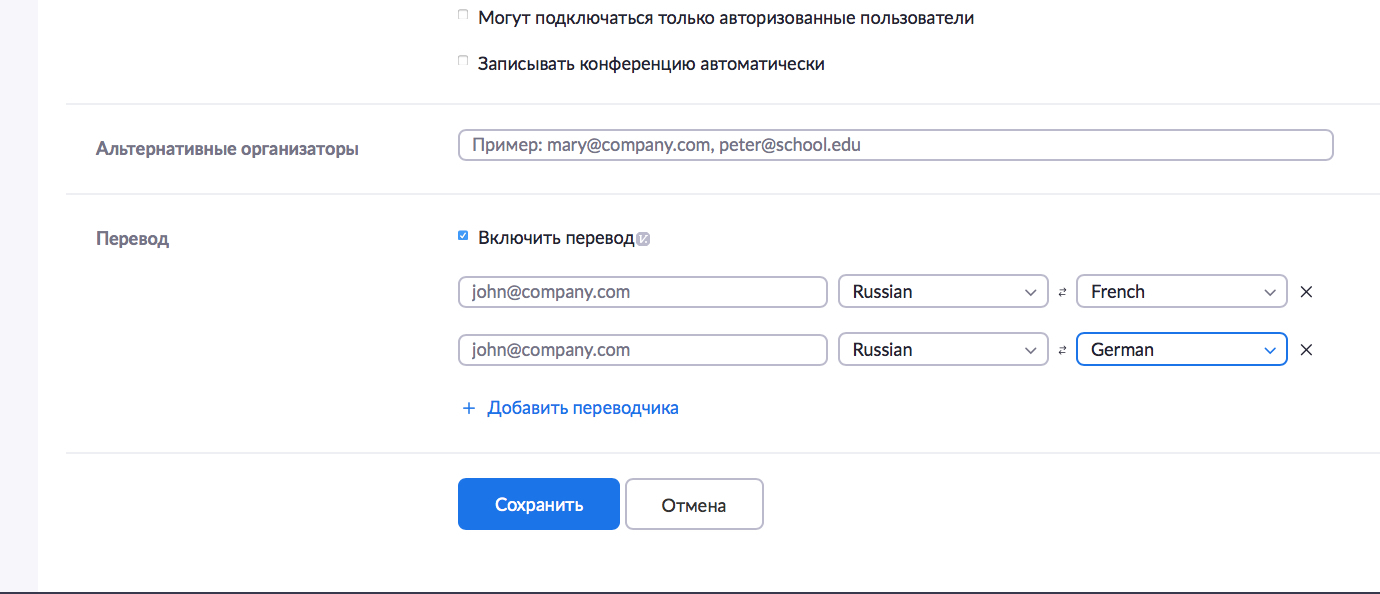
Go to "Meetings", then "Schedule a New Meeting". While scheduling the meeting, in the "Interpretation" field at the bottom, tick the "Enable language interpretation" checkbox.
Next, enter the details of your interpreter. The languages you select for the interpreter will create new audio channels. Click "Add Interpreter" if you are going to have several of them. Click the X icon to remove an interpreter. Click "Save" once you have filled in the form.
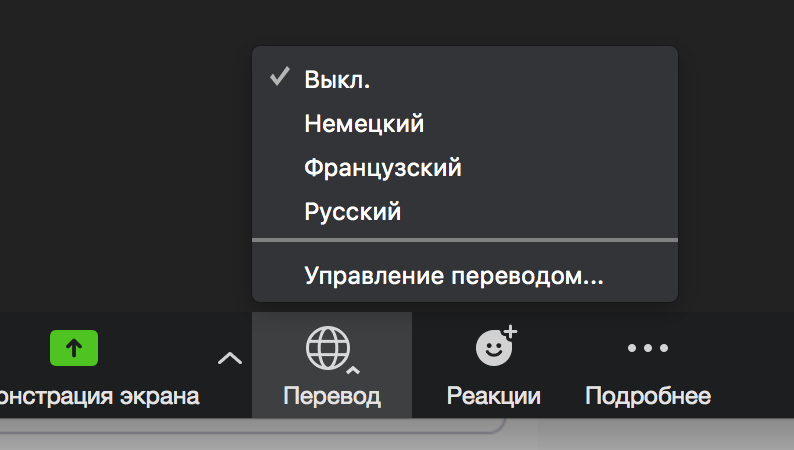
Once your Zoom meeting or webinar has started, click the "Interpretation" icon at the bottom.

Select "Manage Interpretation".
If necessary, you can add or remove interpreters from this menu. To start the interpretation session, click "Start".
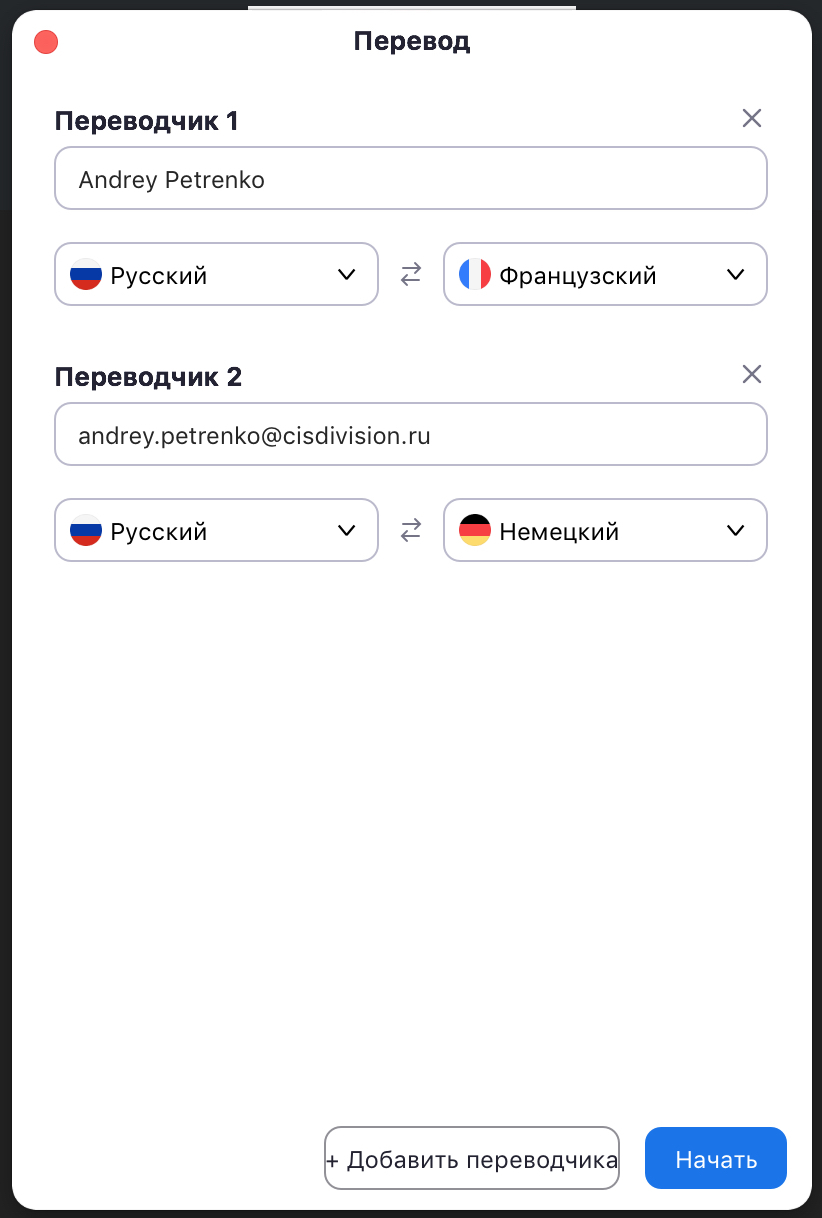
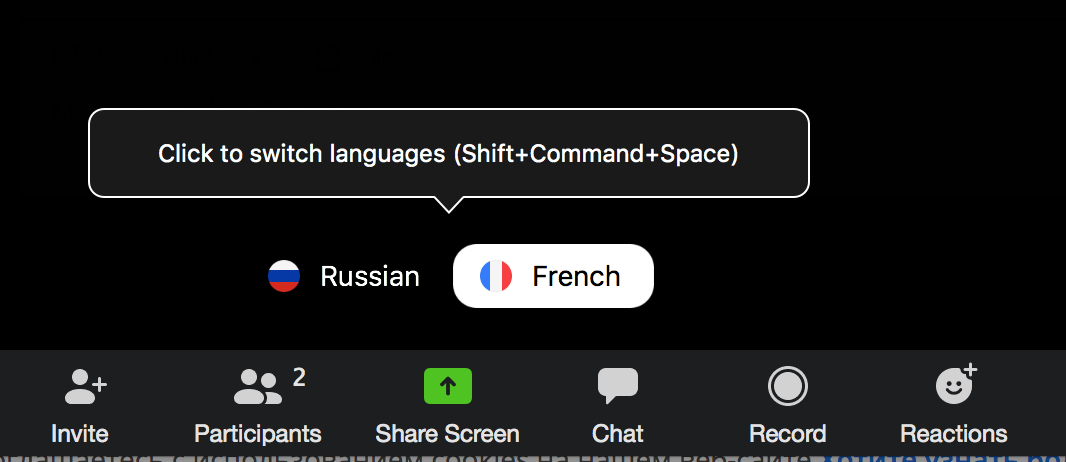
Once the host (the person running the Zoom meeting or webinar) clicks the "Start" button, the interpreters will receive a message with information about the simultaneous interpretation.
Try Zoom today
We'll give you a remote demo Monday to Friday, 10:00–16:00 Moscow time, answer all your questions and provide trial access so you can explore the system yourself.
Please note: we work with legal entities only.
