The Zoom team is focused on continuously improving every feature of the service in order to deliver a platform that is available to bring together users all over the world.
These joint efforts have brought a new option to Zoom – caption transcription. Transcription means automatically recording speech in text form. At the moment the option is available in English only. If you are planning an international conference and need a text version of what the speakers say, this option is for you.
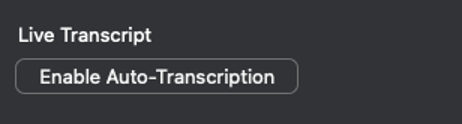
To begin with, you will need to enable the option in your account settings and also tick the box in the “Live transcription service” section.
Text transcription requires a Business license or higher, as well as the latest version of the Zoom client. During a Zoom conference or webinar, the host will need to turn on the Live Transcript feature in the control panel.
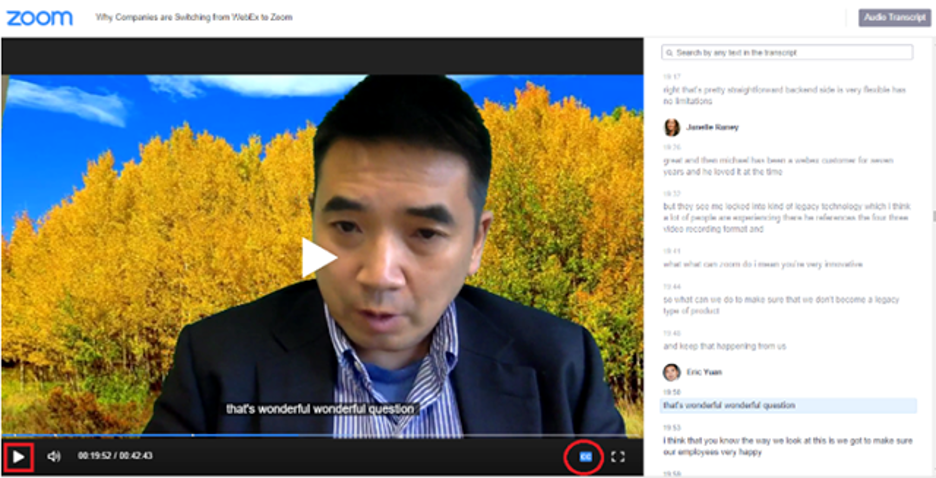
To transcribe audio into text format, turn on cloud recording. Once the recording is finished, a text file in VTT format will be saved for you, and it can be opened with a text editor. You can view or edit the text on the portal in your personal account. For the text to be shown in the recording, you need to click the CC icon in the bottom right corner of the screen.
Try Zoom today
We'll give you a remote demo Monday to Friday, 10:00–16:00 Moscow time, answer all your questions and provide trial access so you can explore the system yourself.
Please note: we work with legal entities only.
