“We have two ears and one mouth so that we can listen twice as much as we speak” — a famous quote by Epictetus, the ancient Greek philosopher
(but more often it was my grandmother who said it...)
This is certainly very wise advice, yet sometimes background noise from other people, equipment or the street stops us from hearing what the person we are talking to is saying. Zoom's audio engineers are always working to make participants' speech sound crystal clear, so that nothing gets in the way of communication and understanding. And it clearly works — Zoom VoIP is used 6 times more often than Zoom telephony, and meetings are more productive.
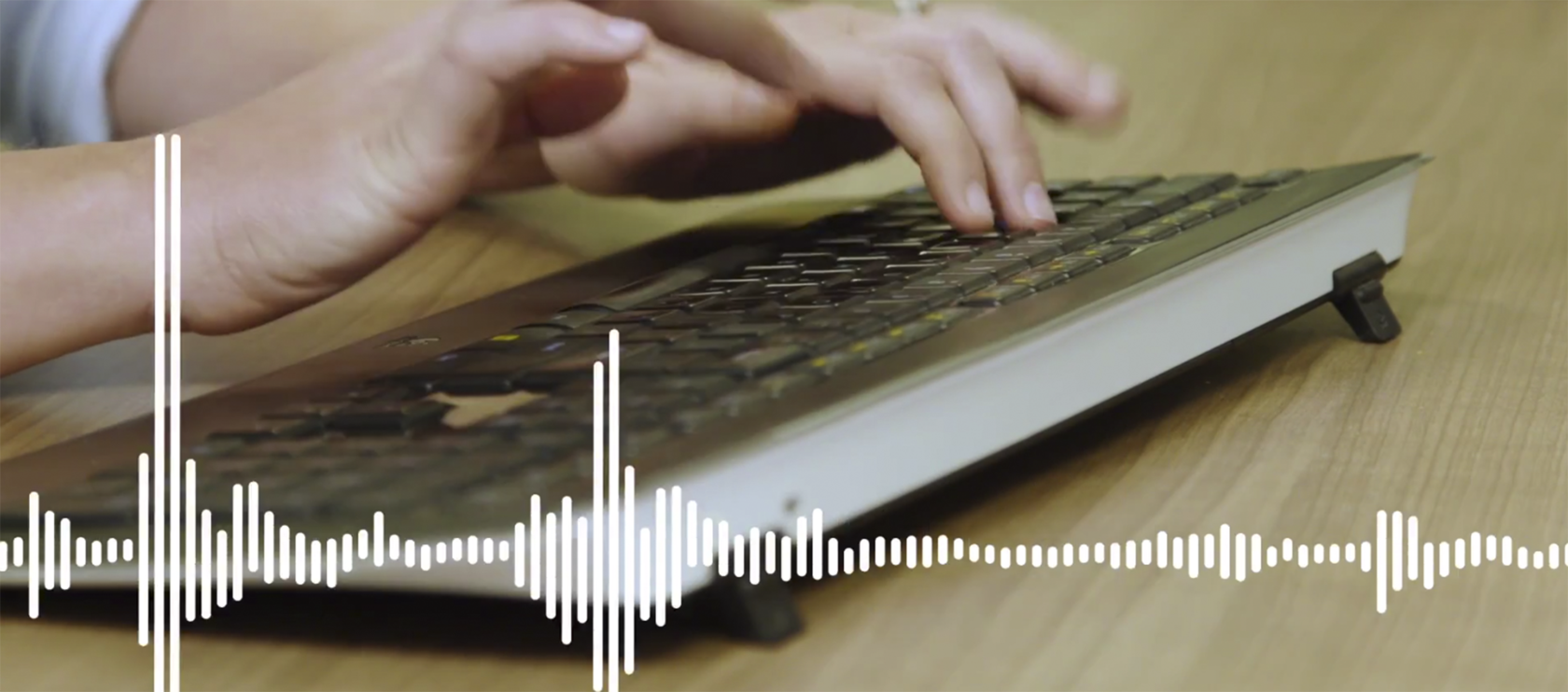
Zoom audio is excellent for many reasons, one of them being our new noise suppression feature. Zoom detects and suppresses background noise. One of the most common noise disturbances is typing on a keyboard. Zoom detects the sound of keystrokes, removes that sound, and then automatically adjusts the speaker volume to the optimal level for the conversation when the other person starts speaking. You will no longer hear loud “clacking” or other annoying background interference. There is no need to turn this feature on, since it was enabled in our latest update.
Try Zoom today
We'll give you a remote demo Monday to Friday, 10:00–16:00 Moscow time, answer all your questions and provide trial access so you can explore the system yourself.
Please note: we work with legal entities only.
