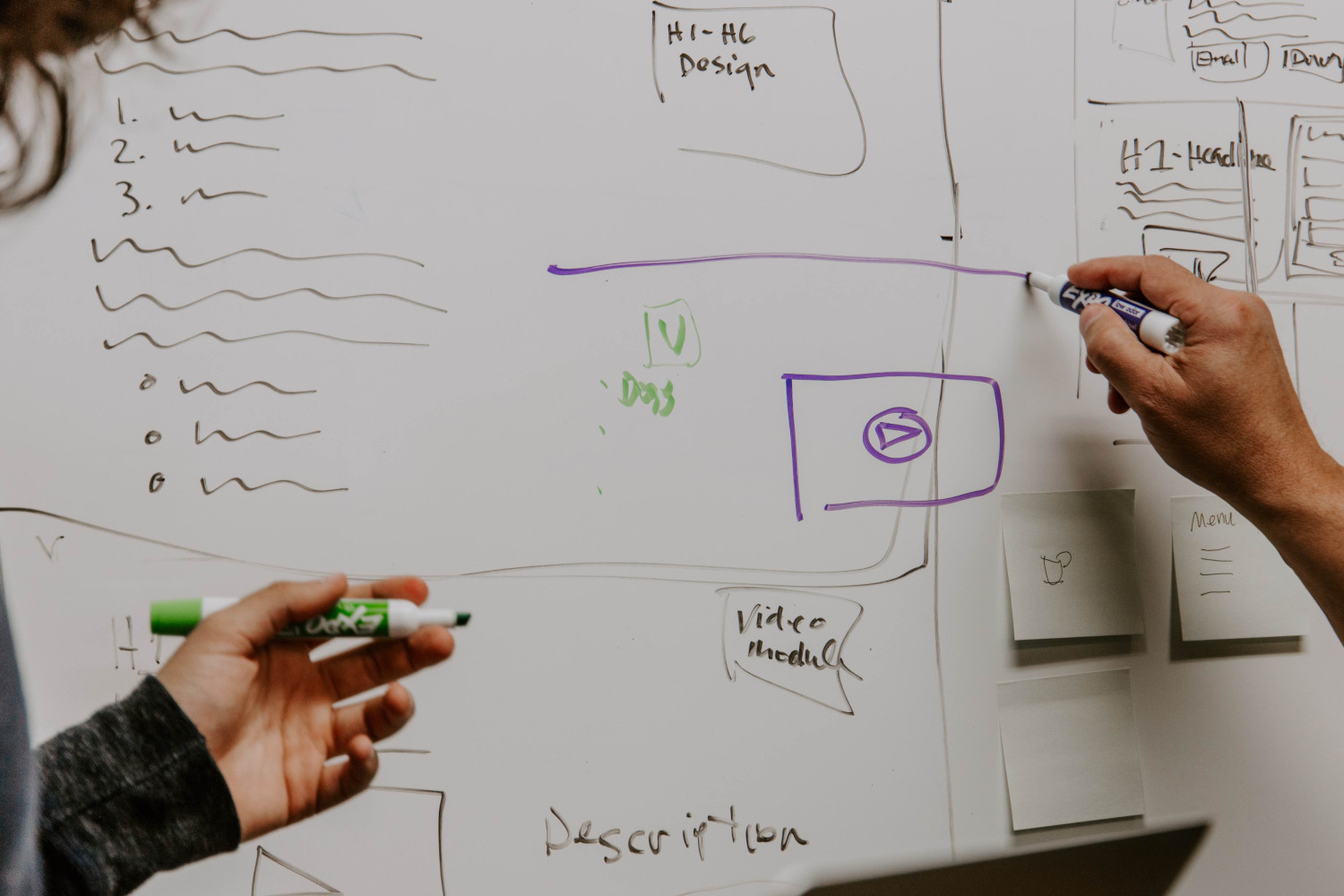
For most adults, a school board brings back pleasant memories. That is why you can find one in many modern interiors. Black and white, for drawing with chalk or markers. Boards have settled into kitchens and hallways, where people keep information on them or leave each other sweet notes. .
On the Zoom platform, the "whiteboard" is another unique piece of functionality that lets you combine the capabilities of a conference and of collaboration and makes your meeting as productive as possible.
The "whiteboard" is present in every paid and free Zoom license. When you turn on "Share Screen", it appears on the screen among the other available options. At the top of the whiteboard there is a list of tools you can use. When the host opens the "whiteboard", all participants see it. Together with the other people in the meeting you can write, draw, sketch, move, mark and create objects.
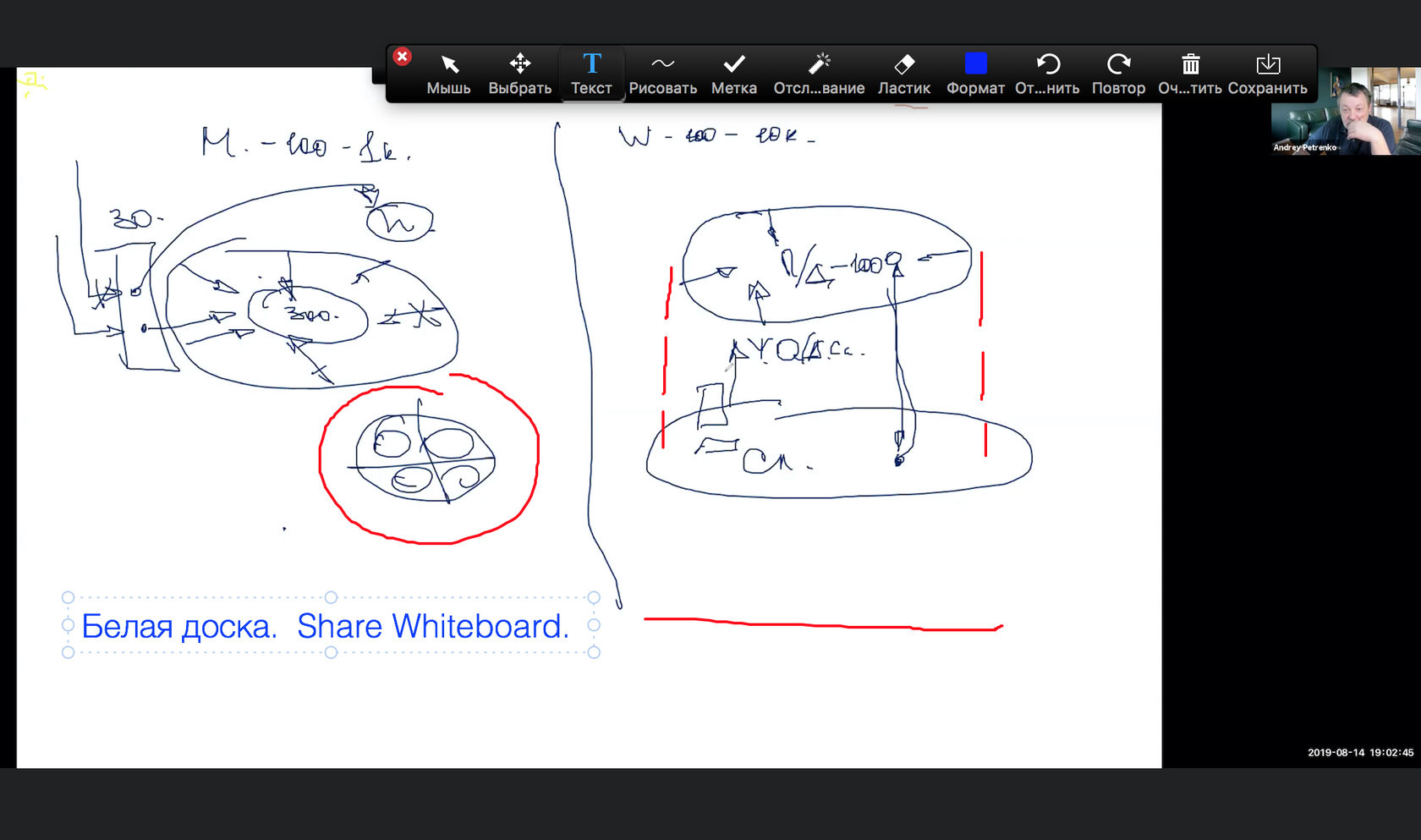
Delivering a project, working on a team task, building models, brainstorming — use the "whiteboard" as effectively as you can.
You can save as many "whiteboards" as you like as images and share them in any way you find convenient.
Besides the "whiteboard" there are several other unique features. For example, the Zoom platform provides multi-stream video. This means you can choose how to arrange the windows with speakers and content on your monitor screen.
Zoom.us is constantly optimizing and and expanding its platform. Updates come out at least once a month. Would you like to learn more about how to use Zoom for communication? The Rightconf specialists are ready to tell you more about what Zoom can do!
Try Zoom today
We'll give you a remote demo Monday to Friday, 10:00–16:00 Moscow time, answer all your questions and provide trial access so you can explore the system yourself.
Please note: we work with legal entities only.
